Master JavaScript
in Visual Studio 2026
A structured, beginner-to-advanced tutorial series for JavaScript — the language of the web — using Visual Studio 2026 with built-in AI pair programming, intelligent IntelliSense, and seamless Node.js integration.
What You Will Learn
This course takes you from first principles — installing Node.js and configuring Visual Studio 2026 — through advanced topics like async programming, REST APIs, Canvas graphics, and automated testing. Every lesson contains runnable code examples inside VS 2026.
Core Language
Variables, types, operators, control flow, and functions from the ground up.
DOM & Events
Manipulate web pages in real time and respond to user interactions.
ES6+ Modern JS
Arrow functions, destructuring, spread, modules, and the latest ES2026 features.
Async JavaScript
Promises, async/await, and the Fetch API for real-world data fetching.
OOP & Classes
Object-oriented design, prototypes, class inheritance, and encapsulation.
Node.js & npm
Server-side JavaScript, package management, and build tooling.
Testing
Write and run automated tests with Jest directly inside VS 2026.
Debugging
Use VS 2026's powerful debugger, breakpoints, and performance profiler.
Course Curriculum
Why Visual Studio 2026?
🤖 GitHub Copilot AI
Context-aware AI code completion for JavaScript built right into the editor.
🟩 Node.js Integration
First-class Node.js project templates, terminal, and npm task runner support.
🔍 Smart IntelliSense
Type-aware completions, inline documentation, and auto-imports across files.
🐛 Live Debugger
Breakpoints, watch expressions, and call stack inspection for both browser and Node.js.
📦 Bundler Support
Vite, esbuild, and Webpack config wizards built into the project system.
🧪 Integrated Testing
Run Jest and Vitest suites from the Test Explorer without leaving the IDE.
Prerequisites
- Lessons 1–10: No prior programming experience required.
- Lessons 11–20: Basic familiarity with variables, functions, and loops assumed.
- Lessons 21–30: Intermediate topics — working through earlier lessons first is strongly recommended.
- A computer running Windows 11 / macOS 14 / Linux with Visual Studio 2026 installed.
The Books
Continue your learning with the companion books for this tutorial. The new Second Edition expands the material with updated ES2026 coverage, more screenshots, GitHub source code, testing, security, Node.js, and practical real-world projects.

JavaScript Mastery in Visual Studio 2026 — Second Edition
A complete beginner-to-advanced guide to modern JavaScript using Visual Studio 2026. This expanded Second Edition combines clear explanations, practical examples, screenshots, GitHub source code, Node.js, testing, security, and real-world web development projects.
- Updated modern JavaScript and ES2026 coverage
- Beginner-friendly lessons progressing to advanced topics
- Visual Studio 2026 and Node.js development workflow
- DOM, APIs, async/await, JSON, modules, and storage
- Testing, debugging, security, and practical projects
- Many screenshots plus GitHub source code
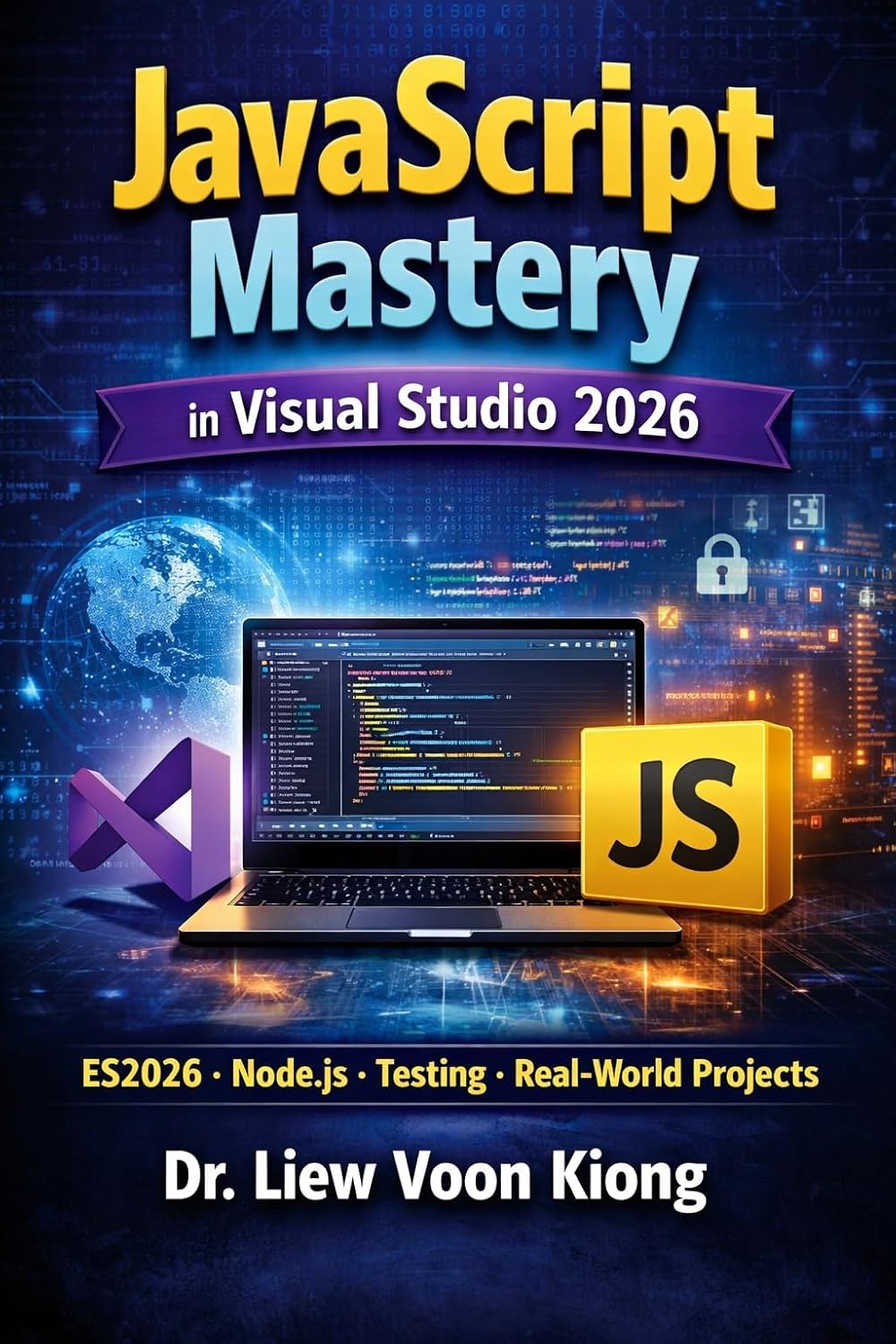
JavaScript Mastery in Visual Studio 2026
The original edition is a practical guide to learning modern JavaScript from beginner to advanced level, covering essential JavaScript concepts, ES2026 features, Visual Studio 2026, Node.js, and hands-on web development.
- Core JavaScript concepts including variables, functions, arrays, and objects
- Modern JavaScript features from ES6 to ES2026
- Interactive web applications using the DOM and events
- Promises, async/await, Node.js, JSON, APIs, and modules
Also Available: Classic JS Tutorial
Looking for a more traditional, browser-focused JavaScript tutorial? Our free Classic JavaScript Tutorial covers 35 lessons from the basics all the way to cookies, slideshows, graphics, and animation — no IDE required.
35 Free Lessons
From variables and loops to arrays, DOM, events, and animation.
Browser-First
No installation needed — run every example straight in your browser.
Live Demos
Interactive exercises and demos built into every lesson.
Beginner Friendly
Structured for complete beginners with no prior programming experience.
✅ Ready to start?
Head to Lesson 1 to install Node.js, configure VS 2026, and write your first JavaScript program in under 10 minutes.